
Indian Institute of Drone Technology
भारतीय ड्रोन प्रौद्योगिकी संस्थान
Indian Institute of Drone Technology
भारतीय ड्रोन प्रौद्योगिकी संस्थान
Indian Institute of Drone Technology
भारतीय ड्रोन प्रौद्योगिकी संस्थान
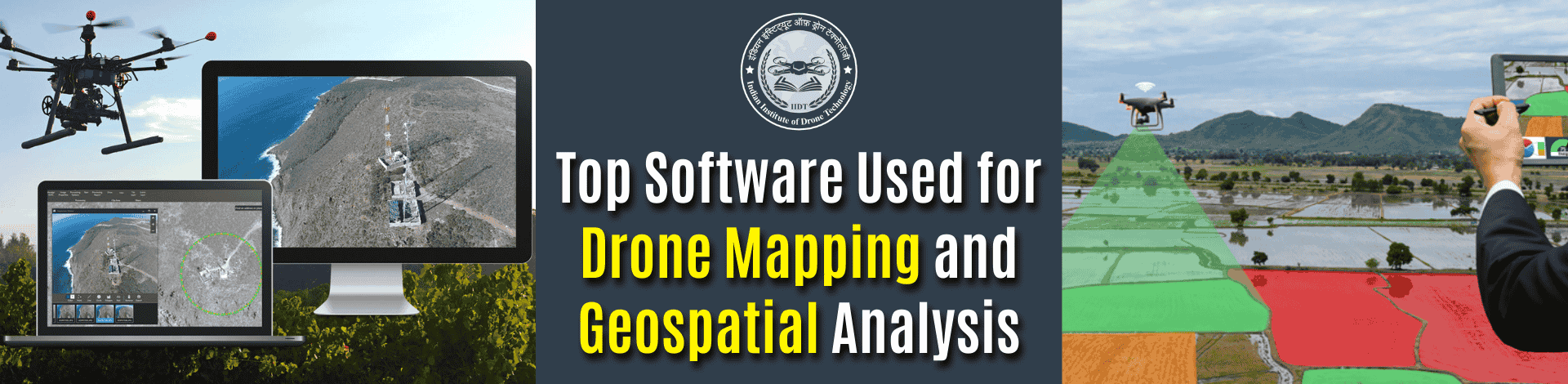
If you’re learning drones and GIS, one question decides your future placement. Which software should you master to become job-ready in drone mapping? Most students assume drone mapping is only about flying a drone.
However, professional teams at infrastructure sites use a complete software stack to convert drone images into maps, 3D models, and GIS layers for decision-making.
That’s exactly why Drone Geospatial Technology Training in India is changing fast. Training that focuses only on flight practice creates “operators”. Training that teaches software builds geospatial professionals.
Drone mapping software transforms drone imagery into accurate orthomosaics, 3D models, and GIS layers used for analysis.
The Real Drone Mapping Workflow To Understand
Drone mapping is a workflow where photogrammetry creates outputs and GIS turns them into insights. A practical industry workflow typically includes:
- Photogrammetry processing: Stitching images into orthomosaics and elevation models
- 3D reconstruction: Dense point clouds, mesh, contours
- GIS analysis: Measurements, overlays, land records checks
- Reporting + sharing: Client-ready dashboards and exports
Entities: DJI Enterprise, Nvidia RTX GPUs, Pix4D, Agisoft, and Esri.
Expert insight: Most companies overlook that better geospatial outputs come from GCP/RTK discipline, not expensive drones.
- A single mapping project can generate 5-30 GB raw drone data.
- GPU-based processing (Nvidia RTX series) can reduce processing time drastically.
- For survey-grade accuracy, GCPs + RTK matter more than camera megapixels.
If you want placements, Advanced Drone Training India must include real data processing projects, not just flying practice.
Pix4D (Industry Standard for Drone Mapping)
Pix4D is one of the most widely used tools for professional photogrammetry and repeatable mapping outputs. Pix4D is heavily used in AEC, mining, and smart infrastructure projects because it supports accurate workflows, reporting, and reliable exports.
Best used for:
- Construction progress mapping
- Volume calculation (stockpiles, excavation)
- Corridor mapping (roads, highways, rail)
Entity signal: Pix4D is adopted across commercial mapping teams globally.
Expert quote: A Pix4D custo mer stated, “Nothing can compare to what Pix4D gives us,” describing its production value.
DJI Terra (Best for Fast Mapping on DJI Enterprise Drones)
DJI Terra is ideal for teams that want quick mapping outputs within the DJI ecosystem. Since DJI dominates enterprise drone hardware in India, DJI Terra is frequently used for rapid mapping and emergency analysis.
Where it fits:
- Quick orthomosaic creation
- Field teams needing fast results
- Workflows using DJI RTK drones
Terra is fast. But most professionals export outputs to GIS tools for deeper analysis.
- Great speed + DJI hardware integration
- Useful for rapid site updates
- Best paired with GIS tools later
Cloud Platforms (The Client Delivery Advantage)
Cloud platforms reduce friction by enabling map review, collaboration, and sharing without heavy local setups. Most students ignore this. But companies pay for speed and clarity.
A 2026 trend analysis shows delivery speed is becoming a major differentiator for service providers. Most companies assume “accuracy sells”. In reality, fast reporting sells first, accuracy retains. Many students also explore Drone Repair Course in India because drone mapping companies need maintenance and operations support.
ArcGIS + QGIS (Where “Geospatial Analysis” Actually Happens)
GIS tools convert drone maps into decisions, not just visuals. Here’s what changes when students add GIS skills:
- Creating land parcel layers for planning
- Detecting encroachments and boundary mismatches
- Calculating distances, slopes, and risk zones
- Producing GIS reports for government and infrastructure projects
Entities: Esri ArcGIS, QGIS, Smart Cities Mission, NIC-style land record workflows.
According to 2026 reports, GIS adoption is accelerating due to location intelligence and infrastructure digitization.
- Drone mapping without GIS is incomplete
- GIS makes you employable for analyst roles
- GIS is what employers test in interviews
Conclusion
Drone mapping success is not decided by the drone. It’s decided by the software workflow. Tools like Pix4D and Metashape help convert raw drone photos into accurate orthomosaics, DEMs, and 3D models. GIS platforms like ArcGIS and QGIS turn those outputs into real analysis: measurements, boundaries, land-use layers, and planning insights. Cloud platforms speed up client delivery and reporting. The future belongs to students who can process, analyze, and present geospatial data, not just fly drones. Start building projects now.
FAQs
Q1. What is the best software for drone mapping?
Pix4D and Metashape are leading tools for professional photogrammetry processing.
Q2. Which GIS software is used after drone mapping?
ArcGIS and QGIS are widely used for geospatial analysis and reporting.
Q3. Is DJI Terra enough for drone mapping jobs?
DJI Terra is good for quick mapping, but most roles require GIS and photogrammetry depth.
Q4. What software should students learn first?
Start with Metashape fundamentals, then move to Pix4D, and finally master GIS tools.
Q5. What is the biggest mistake students make in drone mapping?
Stopping at orthomosaic generation and not learning GIS analysis and client-ready reporting.
Leave a Comment
Your email address will not be published. Required fields are marked *

Comments